

Snap any finished worksheet — even from other workbooks
Take a photo of a finished page from any book or printable. PencilGo marks it and explains each miss.
Free · 3 a month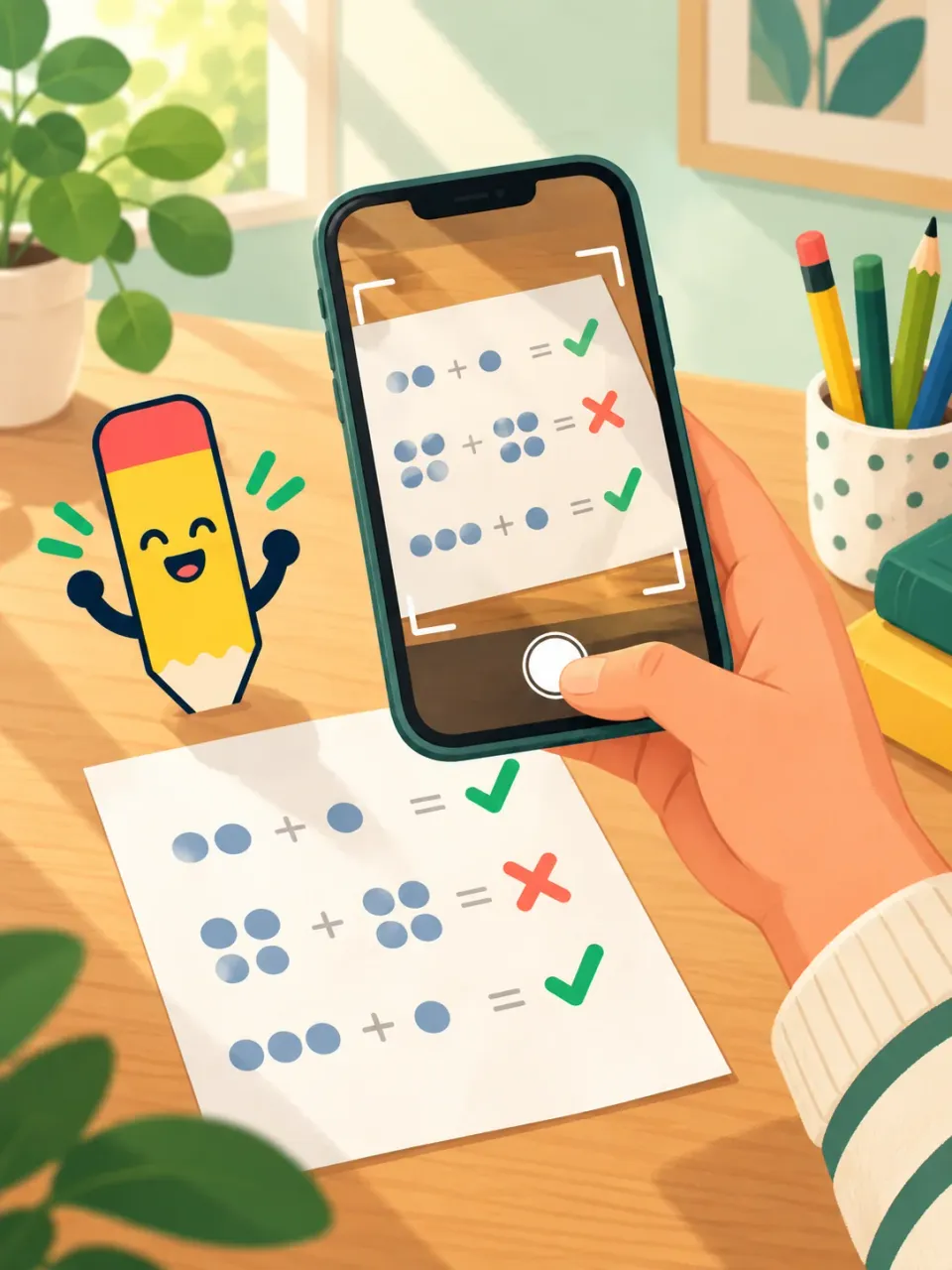
Choose a grade and try an activity right away. Create a free account to save progress and get a daily plan.
An account saves your child’s work and next steps. Privacy
Worksheets, games, hints and photo checks start free. A free account adds the daily plan, weekly and yearly reports, and reminders.
Take a photo of a finished page from any book or printable. PencilGo marks it and explains each miss.
Free · 3 a monthUpload a report card or describe your child, and each day’s practice is chosen for them.
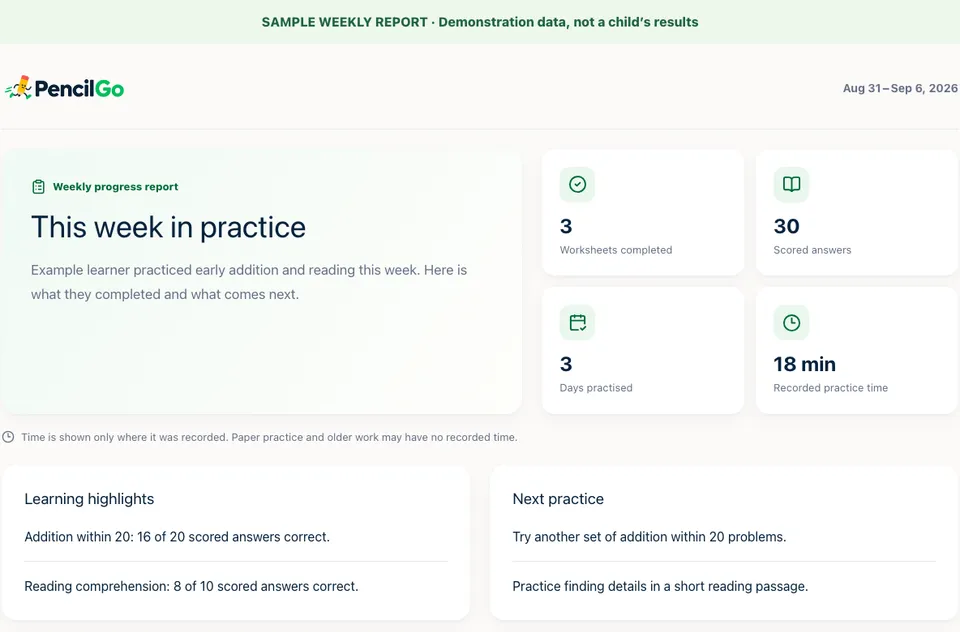
Free with an accountSee what your child finished, how it went and what comes next, in your language.
Free with an accountA dated record of skills and work for your state’s yearly review, ready to print or save as a PDF.
Free with an accountPick practice days and a time, like 6 PM. If work is still unfinished, you get one email.
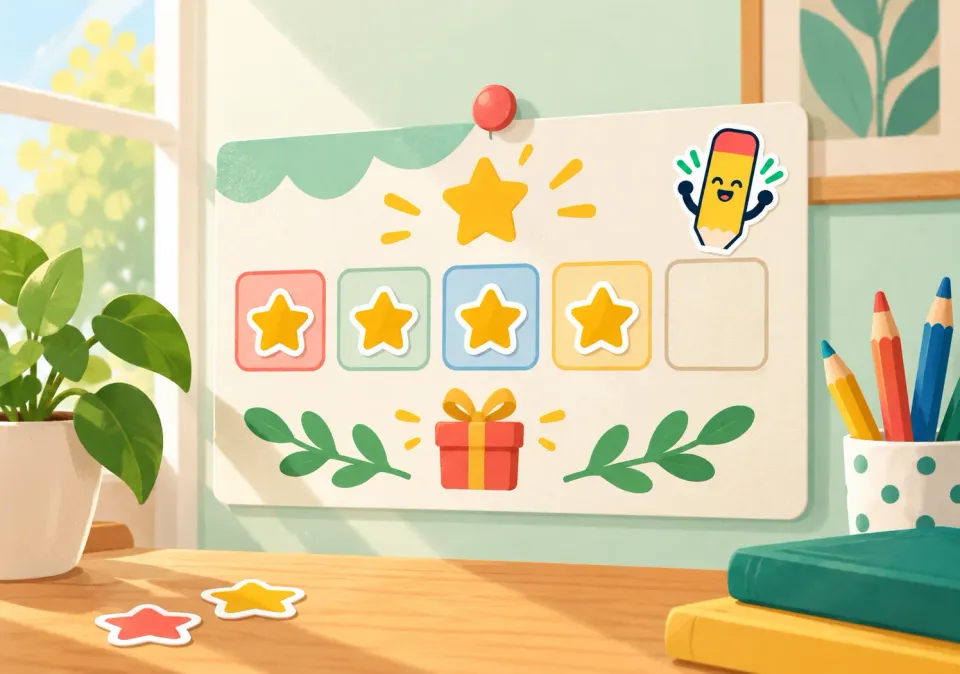
Free with an accountFinish today’s plan for screen time and build a streak toward a parent-picked treat.
FreeType any item, from a laptop to piano lessons, and see what your state’s program rules say.
FreeFind vendors you can pay with ESA funds in your state, with what they sell and how to pay.
Free
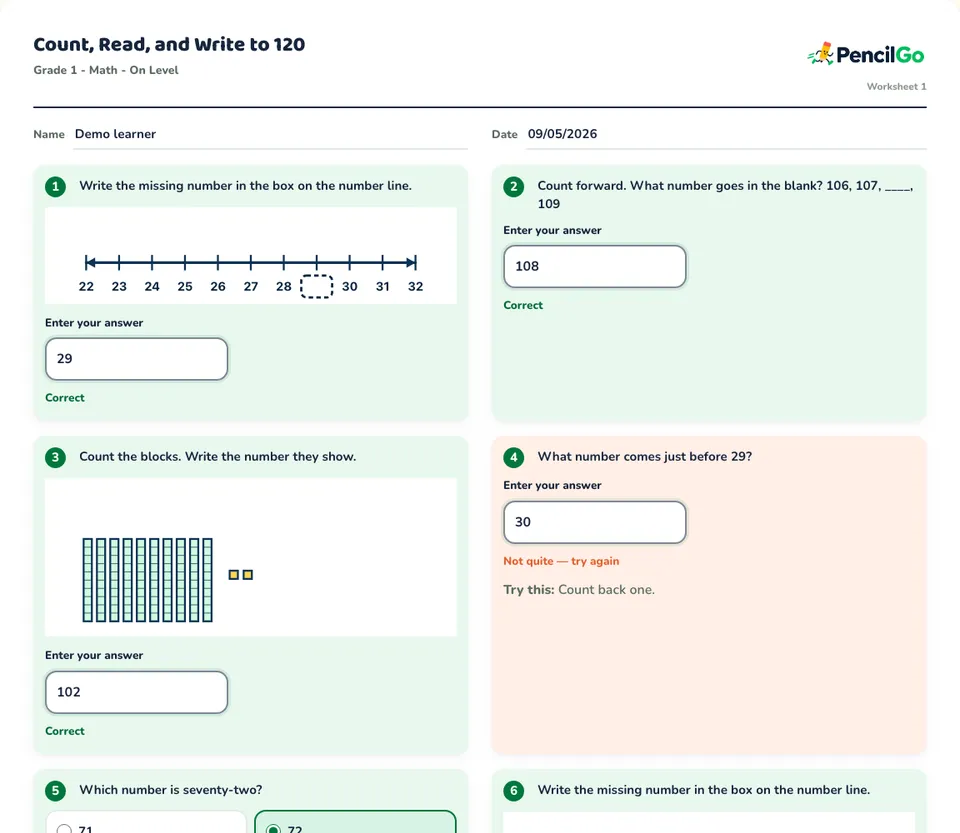
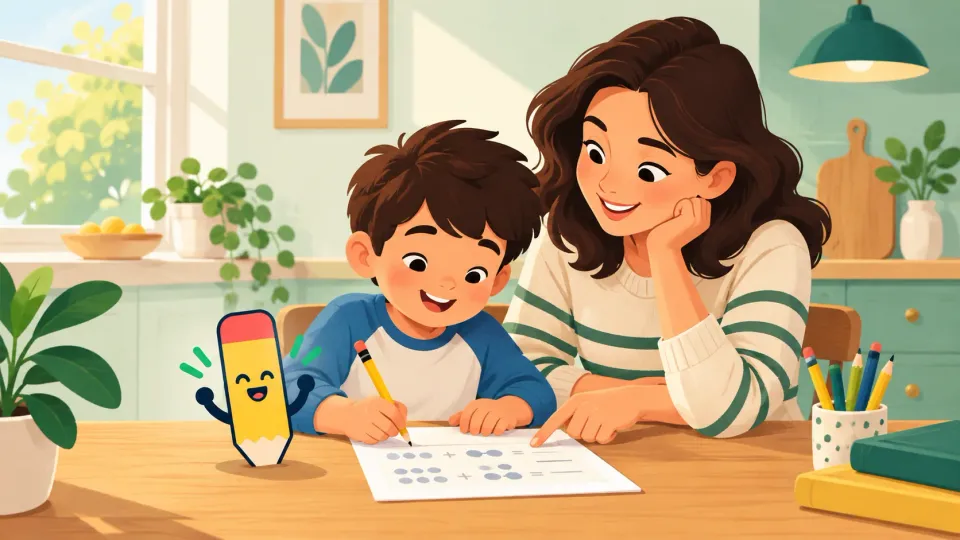

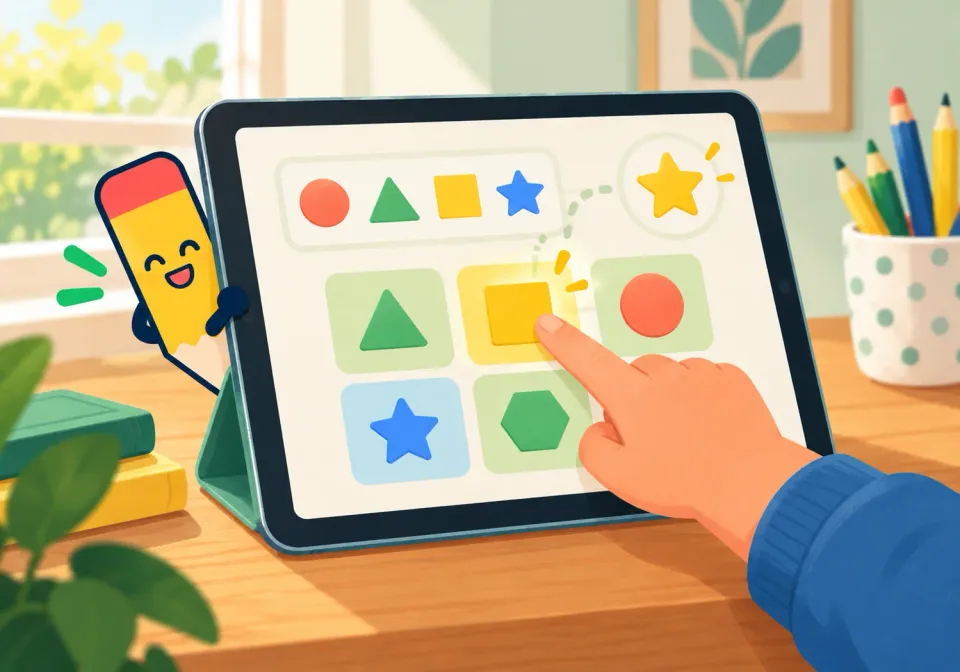



However your child likes to practice, PencilGo checks the work and keeps the plan moving.
Start freeAsk about a product, class, or service. See what your state’s published rules say before you buy.
Kindergarten through Grade 5, for homeschool families and after-school practice.
Take a photo of a finished page — from PencilGo or any other book or printable. PencilGo marks each answer and explains every miss.
No. Practice can happen on paper, on screen, or through learning games — PencilGo checks the work either way.
With a free account, a report card lands in your inbox every Saturday showing what your child finished, how it went and what comes next.
Yes. Check any item against your state’s published rules, and browse vendors that accept ESA funds.
Keep your child’s practice and progress in one place.
Start practicing free