

PencilGo

Grade 4 · Writing · Writing process

4th Grade Use Technology to Publish worksheets

6 printable versionsChallenge MeAbout 4 minutes eachFree · no account

When it’s done, scan the sheet with your phone and PencilGo marks it and picks the next one. Create a free account

★
Version
Print

Use Technology to Publish

Grade 4 Writing Worksheet - Challenge Me

NameDate

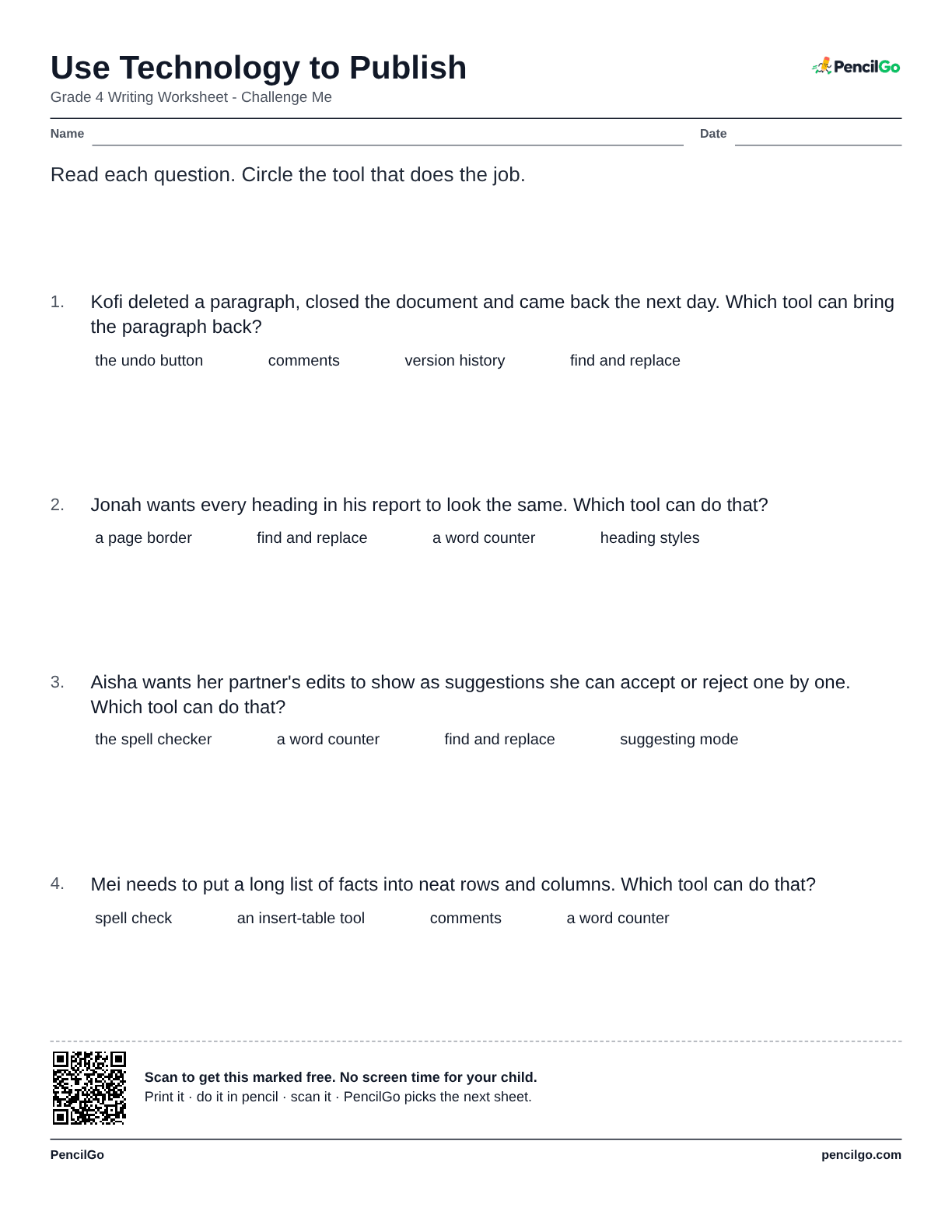
Read each question. Circle the tool that does the job.

  1. Kofi deleted a paragraph, closed the document and came back the next day. Which tool can bring the paragraph back?

    • the undo button
    • comments
    • version history
    • find and replace
  2. Jonah wants every heading in his report to look the same. Which tool can do that?

    • a page border
    • find and replace
    • a word counter
    • heading styles
  3. Aisha wants her partner's edits to show as suggestions she can accept or reject one by one. Which tool can do that?

    • the spell checker
    • a word counter
    • find and replace
    • suggesting mode
  4. Mei needs to put a long list of facts into neat rows and columns. Which tool can do that?

    • spell check
    • an insert-table tool
    • comments
    • a word counter
PencilGopencilgo.com

4th Grade Use Technology to Publish worksheet 1 – printable PDF
Download PDF: 123456

About this worksheet

Using technology for writing means more than typing a final copy. Fourth graders need to draft, revise, collaborate, use digital tools thoughtfully, and publish work that is clear for an audience. Students may think a tool fixes the writing automatically, but the writer still makes decisions about meaning, organization, and accuracy. This worksheet asks students to choose smart publishing steps, identify helpful features, and reject shortcuts that weaken a draft.

Have your child explain how the tool improves communication. If the tool only makes the page look busy, it is not helping the writing yet. The practice stays close to real classroom writing: students choose moves that fit a prompt, audience, source, and time frame. After each answer, they should be able to explain how the choice makes the writing clearer, better supported, or easier for a reader to use.

What your child will learn

  • Draft digitally
  • Use comments
  • Revise before publishing
  • Add captions
  • Use source notes

Common Core standard: W.4.6

Worked example

A shared document can help partners leave comments, but the author must decide which revision makes the paragraph clearer.

Common mistake

Treating spellcheck or design features as a substitute for rereading and revising.

Helpful hint

Choose the tool action that improves the writing for readers.

Questions parents ask

What is the most common mistake with use technology to publish?

Treating spellcheck or design features as a substitute for rereading and revising.

How can I help my child with use technology to publish?

Choose the tool action that improves the writing for readers.

Are these 4th grade writing worksheets free to print?

Yes. All 6 printable versions on this page are free to download and print, with no account needed.

Similar: Revise for Clarity · Edit for Conventions

More 4th grade writing process

See all writing process

Every sheet you scan goes into your child’s record: dated, marked and ready for the year-end portfolio. Homeschool records